ShipFoundry vs Socket: Supply Chain Security and Product Opportunities
Socket helps teams assess dependency risk. ShipFoundry helps teams spot what an upstream change could make possible in their product.
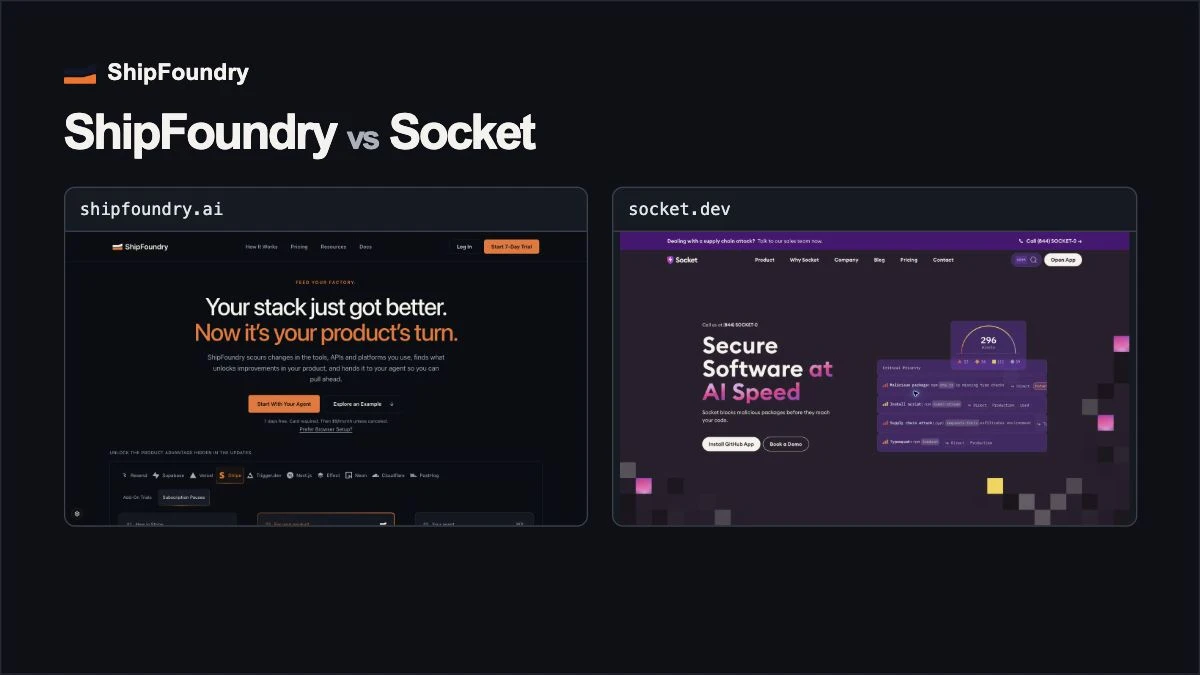
Quick Answer
Use Socket when you need to assess dependency risk and enforce your software supply chain policy. Use ShipFoundry when you want to find out which upstream changes might help your product and give your coding agent a specific lead to investigate. Teams can use both: Socket evaluates dependency risk, while ShipFoundry identifies potential product work.
Where Each Tool Fits
| Question | Socket | ShipFoundry |
|---|---|---|
| What should we pay attention to? | Vulnerabilities, malware and other dependency risks | Upstream changes relevant to product goals and the tracked stack |
| What does the team get? | Alerts and, with policy configured, dependency checks in GitHub pull requests | Recommendations with source links, product context and investigation briefs when available |
| Who acts on it? | Developers or security teams review the dependency and apply policy | Product teams or their coding agents investigate the opportunity and decide what to ship |
| When do we use it? | When reviewing dependency changes and monitoring supply chain risk | When deciding whether an upstream change warrants product work |
Sources: Socket for GitHub, Socket alert categories, and ShipFoundry product overview.
One Release, Two Decisions
Imagine an email provider releases an SDK update alongside new support for inbound replies. Your team wants customers to reply to a notification email and see that reply on a support ticket.
If a pull request changes the dependency, Socket can flag risks in the newly introduced packages and surface the policy decision in GitHub. Your team uses that information to decide whether the dependency change is acceptable.
ShipFoundry can connect the upstream capability to the support workflow and give your agent a lead. The agent checks whether the product already maps inbound messages to tickets, what account configuration is needed, and whether the feature is worth building. The Resend replies guide shows what that investigation can involve. This example is illustrative.
You can get a useful result from either check on its own. A risky dependency may need attention even when there is no feature to build. A new provider capability may warrant investigation even when there is no dependency change.
Which Should You Use?
- Choose Socket if your next decision is whether to introduce or retain a dependency given its risks and your security policy.
- Choose ShipFoundry if your next decision is whether an upstream change could improve a workflow, unlock a feature, or lower a product cost.
- Use both if you want a security check on dependency changes and a regular way to find improvements across the software you use.
Frequently Asked Questions
Can ShipFoundry replace Socket for dependency scanning?
Keep your supply chain security tooling for malware detection, vulnerability checks and policy enforcement. ShipFoundry tracks relevant upstream developments and prepares work for investigation.
Does a ShipFoundry recommendation mean an upgrade is safe?
A recommendation identifies a possible product opportunity. Your team or agent still verifies prerequisites, dependency policy, application behavior and tests.
Do the two products need to integrate?
Each can do its job in the same development workflow. ShipFoundry can inform the investigation, and Socket can review dependency changes if the resulting pull request includes them.
See how ShipFoundry hands off an investigation to your coding agent.